 Widgy
WidgyEverything to make your phone yours
One app for the panel you swipe down, the widgets on your home screen and the icons around them.
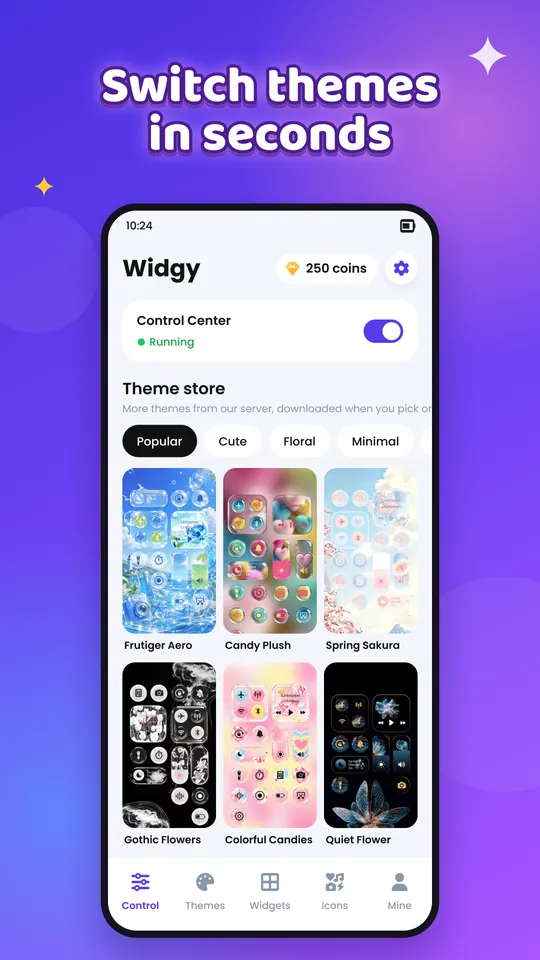
Control Center themes
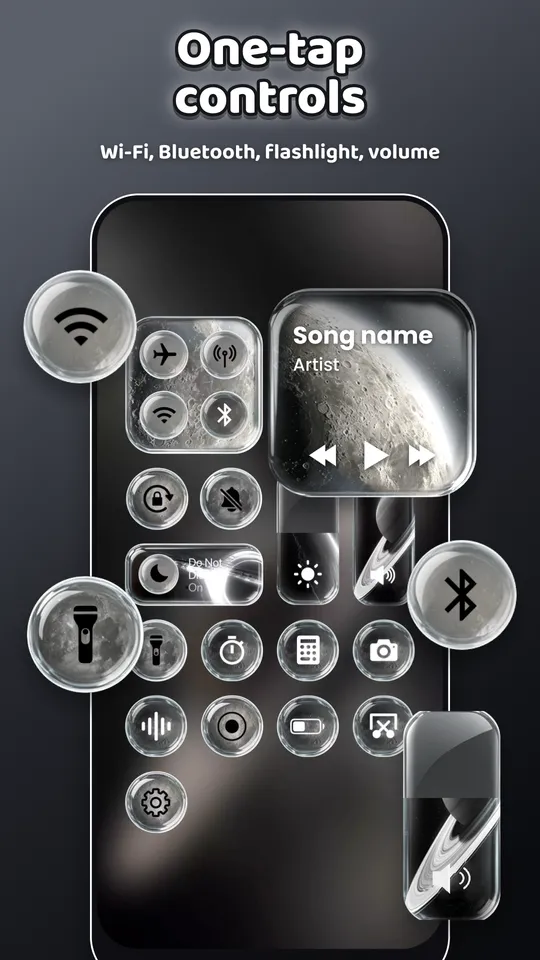
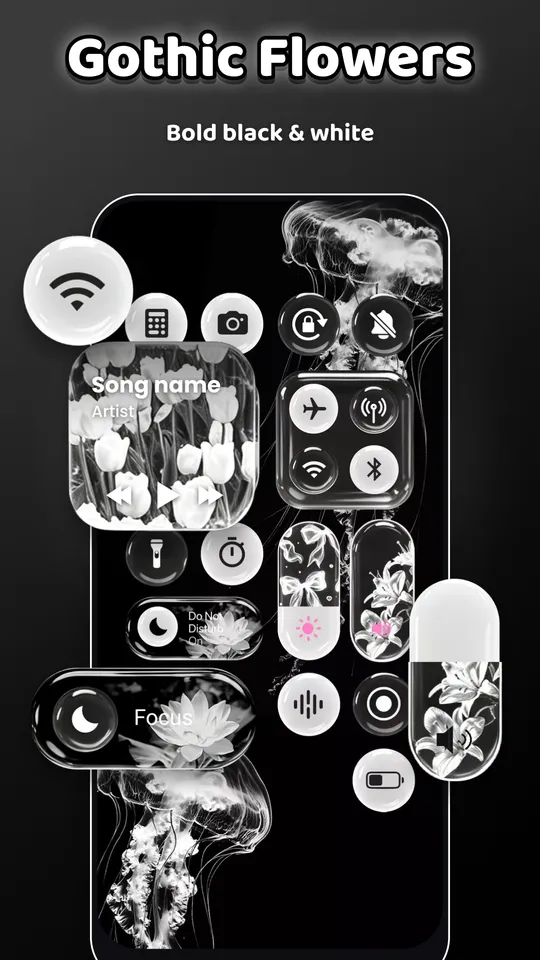
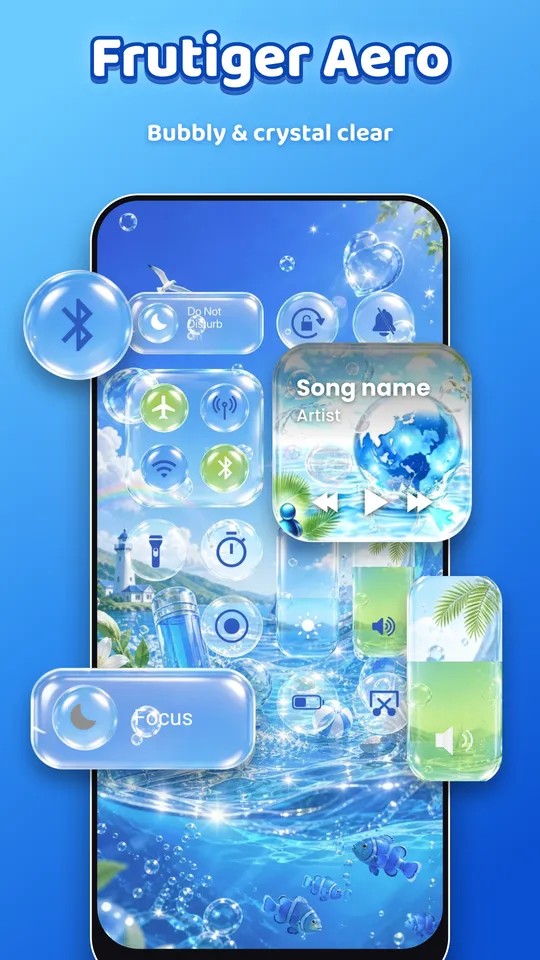
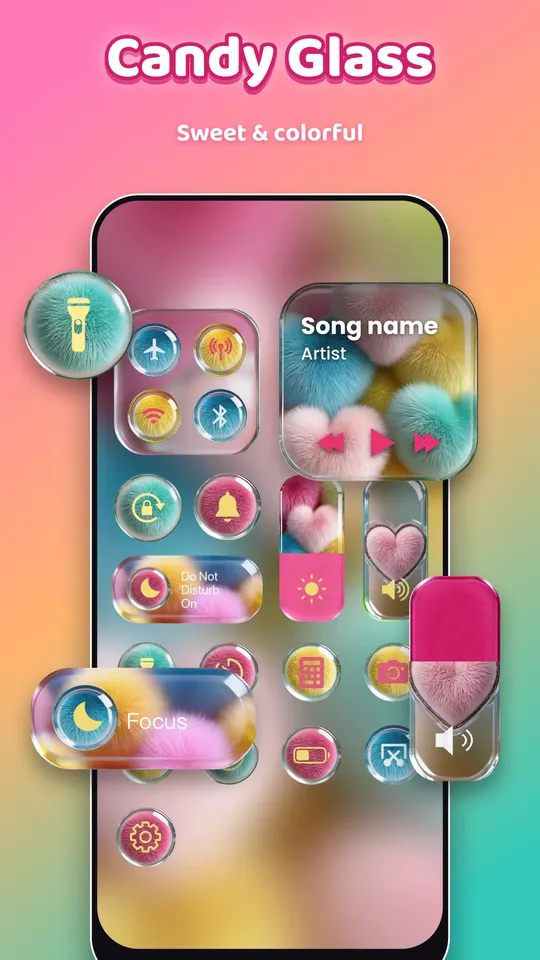
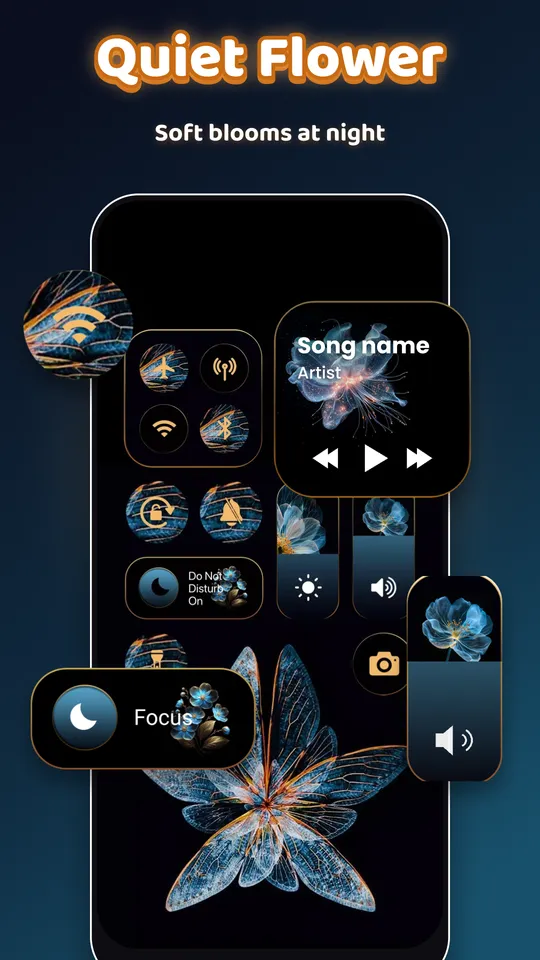
Swipe down from the top-right corner for Wi-Fi, Bluetooth, flashlight, brightness, volume and music. Pick from 750+ designs: glass, cute, dark, floral and more.
Home screen widgets
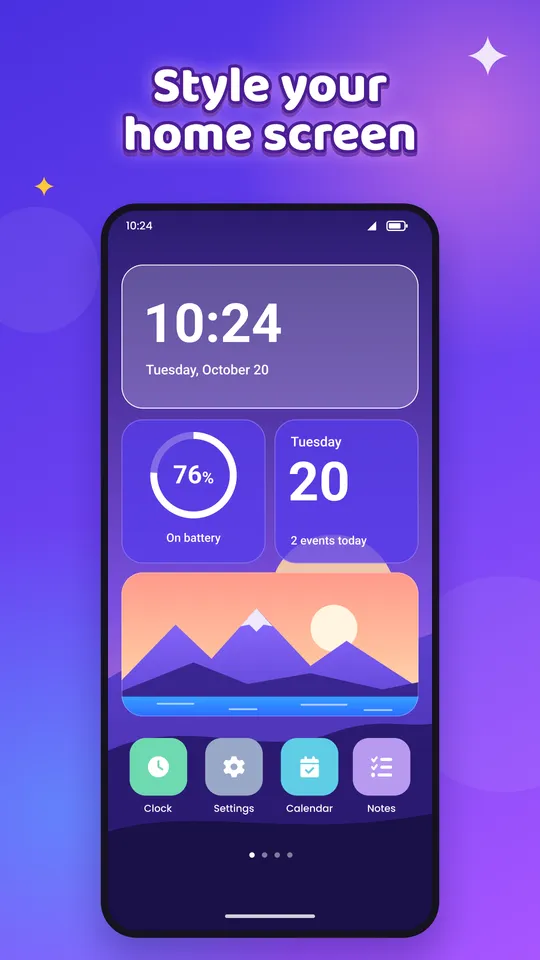
Clock, analog clock, calendar, battery, photo, weather, quotes and to-do, in small, medium and large sizes. Change colours, fonts and backgrounds.
Icon packs
Give your apps a matching look with hand-made icon packs, one icon or a whole set at once.
Wallpapers & full themes
Apply a wallpaper, widgets and icons together with one theme, for the home screen, lock screen or both.
Live weather
Current weather and the next 5 hours or 5 days for any city, or for where you are, only if you allow it.
Private by design
No account. Your photos, calendar, to-dos and settings stay on your phone. The Control Center never reads your screen.
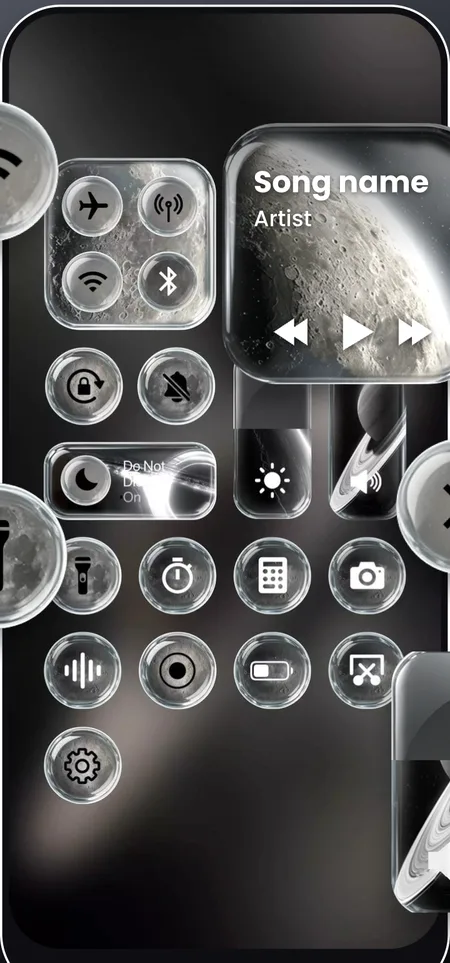
Swipe down. Everything is right there.
A small handle sits at the top-right of your screen. Swipe it down in any app to open a panel with the controls you use most, dressed in the theme you like.
- Wi-Fi, Bluetooth, mobile data and airplane mode
- Brightness and volume sliders, Do Not Disturb, rotation lock
- Music card: play, pause and skip in the app that is playing
- Flashlight, camera, calculator, timer, battery saver and settings
- No ads inside the panel
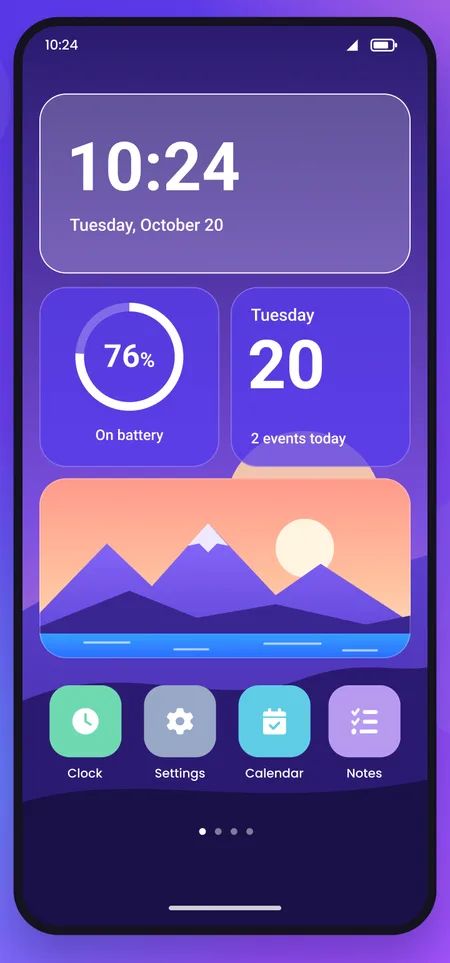
Widgets that look the way you want
Start from a template, then change it until it fits your wallpaper. You see the real widget while you edit.
- Text colour, background colour and opacity
- Fonts: Sans, Serif, Mono and Script
- Your own photo as the widget background
- Small 2x2, medium 4x2 and large 4x4 sizes
- Low battery use: widgets refresh only when needed
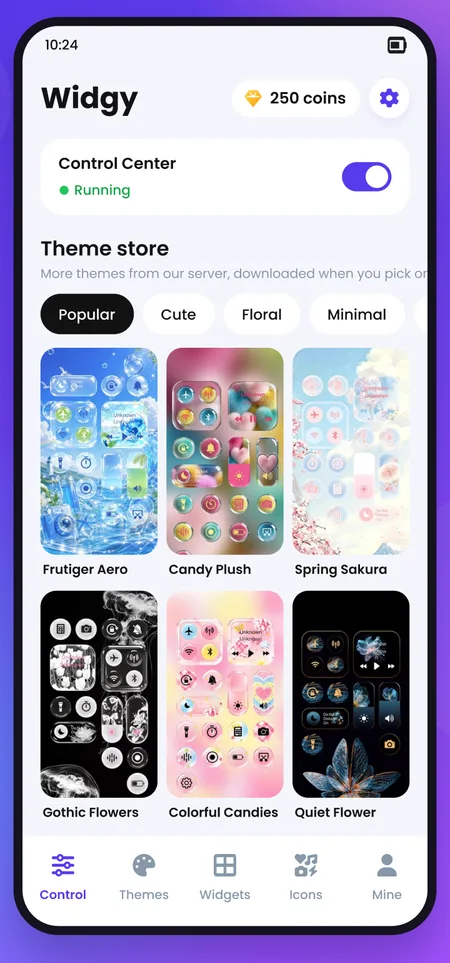
A whole new look in one go
Themes bundle a wallpaper, widgets and an icon pack that match. Apply all of it, or only the parts you want.
- Wallpaper for the home screen, lock screen or both
- Icon packs: change one icon or a whole set at once
- New Control Center themes are added from our server, no app update needed
Eight kinds of widgets
Pick what you want to see at a glance.
Clock
Big digital time and date.
2x2 · 4x2Analog clock
Classic hands and a clean dial.
2x2Calendar
Today's date and how many events you have.
2x2 · 4x2 · 4x4Battery
Charge level, charging and low-battery state.
2x2Photo
Your favourite photos, one or a slideshow.
2x2 · 4x2 · 4x4Weather
Now, high/low and the next 5 hours or days.
2x2 · 4x2Daily quote
A new short quote every day.
2x2 · 4x2To-do
Tick tasks off right on the widget.
4x4Unlock more without paying
Earn coins in the app and spend them on themes, widgets and icon packs.
Daily check-in
Open Widgy every day for a 7-day streak. Day 7 is the big one.
More ways to earn
- Welcome bonus+50
- Watch a short video+30
- Share Widgy with a friend+15
- Coin packs on Google Play500 · 1,500
A new look every day
Swipe through a few of the themes and widgets.
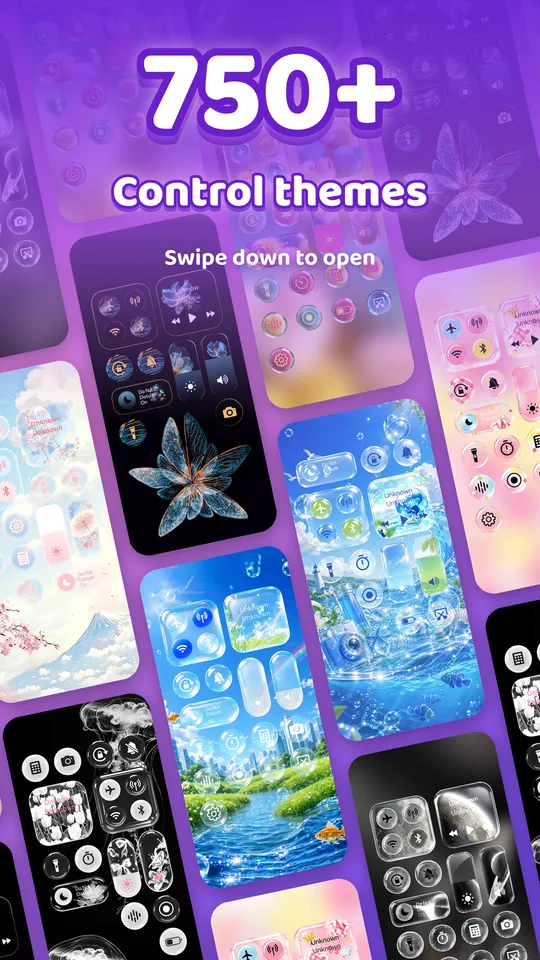
Ready in three taps
Pick a design
Browse Control Center themes, widgets and icon packs by category.
Make it yours
Preview it live and change colours, fonts, photos and sizes.
Add it
Add the widget to your home screen, or turn on the Control Center and swipe down.
Start free, go further with VIP
Free
Everything you need to get started.
- Free Control Center themes and widgets
- Earn coins with daily check-in to unlock more
- Full widget editor
Widgy VIP
Monthly or yearly, with a 3-day free trial on the yearly plan.
- Unlock all themes, widgets & icons
- All 750+ Control Center themes
- No ads
- Premium widget fonts and the weather widget
Every permission, and why
Widgy asks only when you turn on the feature that needs it, and keeps this data on your phone.
| Permission | Used for | When it is asked |
|---|---|---|
| Accessibility | Drawing the Control Center over other apps. Never reads screen content. | When you turn on the Control Center |
| Notification access | Music card: song title and play / pause. | When you tap the music card |
| Calendar (read) | Counting today's events on the Calendar widget. | When you turn on "Show events" |
| Approximate location | Weather where you are. Only a location rounded to ~11 km is sent to our weather server. | Only if you choose "Current location" |
| Photos | Photos you pick with the Android photo picker. | Only the photos you choose |
Speaks your language
Questions
Is Widgy free?
Yes. Many themes and widgets are free, others unlock with coins you earn in the app or with VIP.
Why does the Control Center need the Accessibility permission?
Android only lets an app draw a panel you can swipe down over every app through the Accessibility service. Widgy uses it only for that. It does not read, store or send your screen content or what you type, and each control runs only when you tap it. You can turn it off any time.
Do I need an account?
No. Your coins, widgets, photos and settings are stored on your phone. Purchases go through Google Play.
Which phones are supported?
Android 8.0 or newer. Widgets work with most launchers, including Samsung One UI and Pixel.
How do I cancel VIP?
In Google Play › Payments & subscriptions › Subscriptions. You keep VIP until the end of the period you paid for.
Will I lose VIP if I change phones?
No. Sign in with the same Google account and tap "Restore" on the VIP screen.
Do widgets drain the battery?
No. Widgets update only when needed (the clock each minute, weather every 2 hours on Wi-Fi or data), and nothing runs in the background all the time.
Where does the weather come from?
From MET Norway, the Norwegian Meteorological Institute. City search uses GeoNames. Only a rounded location (about 11 km) is sent.
Make your phone feel new
Download Widgy and pick your first theme.